Pretty much every simmer out there has heard of the Not So Berry Challenge, even if they’re not entirely sure of what it is. At it’s heart, it’s a legacy challenge about playing a different sim with different life goals each generation. However, the Not So Berry challenge has been out for so long that there have been MANY additions to Sims 4 since it was released. Plus, I know of a lot of players who get to the end of the challenge and are so attached to their family that they don’t want to stop at ten generations. This adaptation solves that. I added in 20 more generations (as of 1/6/22) to account for the new packs, and gave each generation a color, a story and some unique goals to complete. Just for me, because apparently the challenge wasn’t hard enough already, I also added some additional (optional) goals to the first 10 generations. I tried very hard to keep the spirit of the challenge intact, and to change as little as possible for the first ten generations out of respect for the original challenge. Anyway, I hope you like this! (I, for one, have had a blast playing this rule set!)
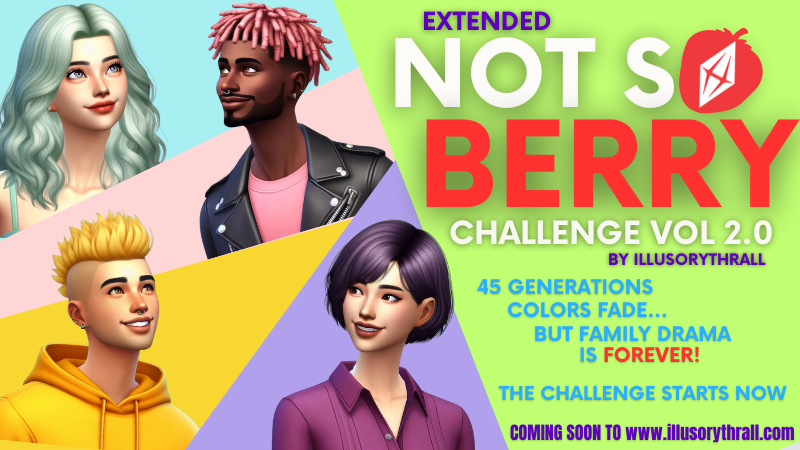
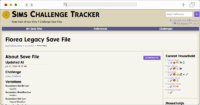
Yes! That’s right! This whole challenge is getting a facelift! I’ve acquired a partner who is (as we speak) working on putting together a WEB-BASED free tracking system for ALL of my challenges. The Extended Not So Berry is just the first of many to be added to her website. (See the main Website News page for more info on this partnership if you’re interested!) Every Single generation here will be added to a tracking website, where you can register with a free account to track your Extended Not So Berry Challenge. And you DID read right! My ENSB is now 45 generations of drama and color-coded fun! As soon as I get it all updated and put on the website, each generation will have its own little section, split up by goal type, labelled as to what packs you need, and – the best part – LINKED to the tracking website from my partner, Calendula Petals.
Not only that, but these pages are going to change fairly heavily in looks, as well. I’m calling this new version a full 2.0, after all.
This challenge is designed for those who have all the Sims 4 Expansion, Game, and Stuff packs. However, if you don’t - you can still use these rules, simply skip the generation(s) of the packs you don’t have, or swap out listed traits, careers, aspirations, or goals for ones in packs you DO have. Use your discretion here, I don’t list what to replace pack-specific things with as some generations would be nearly impossible to recreate without having that specific pack.
Yes, there are other versions of this challenge - there are even extended versions of my version. While I am very much okay with people using my ideas as a jump-off point, please. Be considerate. ALL of my challenges have been crafted with love by me, and I adore them. They've been made to be SHARED FREELY (emphasis on the free). Please don't re-sell my work. That's just not what they were created for and is just rude! Thanks!
I am updating these pages to be more spoiler-free friendly. I want all the info you need to be in that generation, so that if you want to be surprised at where things go in the next generation, you can wait to open the next accordion section to read the next goals! Plus, it just looks cooler. Hehehe!
How to play this challenge: YOUR WAY!! I am of the opinion that it is my job, as a Challenge Writer, to inspire you, the Challenge Player. What, exactly, does that mean? It means that if you are uncomfortable with a rule, or - hey - maybe it inspired a different story idea... well, then change it. My rules are not written in stone. They're meant to be a starting point. Some people play and need the rules for the structure to their gameplay. They need the direction. Some, on the other hand, really just want to use it as a suggestion. BOTH play methods are absolutely okay! Want to combine this challenge with someone else's? Want to add more generations to it? (I don't know why it would NEED more, though?... LOL!!) GO FOR IT. Play your game in a way that is fun for you. I can write a challenge for my typical playstyle, but that doesn't mean it has to be yours, too. My only ask is what I said in #2 up above: be respectful. I created these to be used and shared, not sold or "stolen." If you use my rules as a starting point, please give me some credit for coming up with them. If you add more generations: please LINK back to my website for my generation rules instead of writing them out on your website, then continue with your own rules.
Cheating: If it doesn't make the game easier, you can do it. What I mean is... you cannot give your sims extra money or traits or satisfaction points, for example, but you CAN do things like Move Objects ON and resetting stuck sims, etc. Basically, play the game as "fair" as you can. If your game gets bugged - do whatever you need to do to get it back to playability. That INCLUDES cheating.
High School Years Pack Rules: Yes, you CAN follow your teens to school. However, be mindful of your current goals and family makeup. Leaving toddlers home can be buggy in Sims, and make sure you leave yourself enough time to get things done by the end of the generation if you follow your teens.
Tiny Home Rules: Yep, you can use them. Do I recommend it? Nope. Why? Hm. I know it's a game mechanic, but it feels SO cheat-y. If it wasn't QUITE as powerful of a buff, I would be fine with it, but it really makes skill leveling trivial. Which - in my opinion - it shouldn't be. However, play the game your way. It's your game, and it's about having fun. (There is a mod that makes Tiny Home a bit less powerful that I use, you shouldn't have any trouble finding it on a google search.)
Mods Rules: I leave this entirely up to you. Yes, this challenge can be played completely "vanilla" (without mods or CC). But it can also be played with mods. I don't discriminate. You do you! However, try not to use anything that makes things EASIER on you. This challenge has been tested, it works as it is, and it's designed to actually be a little bit of a challenge for the player. However, there are some generations (you can see which ones) where having something like "risky woohoo" on from MCCC, for example, might end up with you breaking the challenge rules. Use your own discretion here and turn things like risky woohoo off when it would break the rules.
Cheating: If it doesn't make the game easier, you can do it. What I mean is... you cannot give your sims extra money or traits or satisfaction points, for example, but you CAN do things like Move Objects ON and resetting stuck sims, etc. Basically, play the game as "fair" as you can. If your game gets bugged - do whatever you need to do to get it back to playability. That INCLUDES cheating.
Mods Rules: I leave this entirely up to you. Yes, this challenge can be played completely "vanilla" (without mods or CC). But it can also be played with mods. I don't discriminate. You do you! However, try not to use anything that makes things EASIER on you. This challenge has been tested, it works as it is, and it's designed to actually be a little bit of a challenge for the player. However, there are some generations (you can see which ones) where having something like "risky woohoo" on from MCCC, for example, might end up with you breaking the challenge rules. Use your own discretion here and turn things like risky woohoo off when it would break the rules.
If you do NOT finish the goals by the time your chosen heir, you must replay that generation (or pick a different "heir" and give yourself more time). Saving a backup save at the beginning of each generation is highly recommended.
To do this, just do a "save as" and name it something you'll remember, like the number of the generation.
Then, "save as" one MORE time, and save back onto your play file (or, indeed, another play file, if you'd like.) You do this twice so that the beginning of each generation is saved, in case you should need to start over should something catastrophic happen, and you still have a "play" save file to continue play with!
Buy a plot of land somewhere in the world designated as a “retail store” and use it to store your collections over the generations. (This saves you from carrying everything with you all the time!) Basically, you’re building a family museum. Decorate as you see fit and possibly upload to the gallery when you’re done to share with others! Hey, #familymuseum anyone?
Make a family Cemetery somewhere in your save’s world and collect all graves from your family there.
Please, let me know if anything seems weird, is hard to understand, or needs fixing, and we'll get right on that. Right now the tracker is in BETA form, but it is absolutely usable through generation 15!
Note: I will not be updating the old tracker for this challenge anymore!!
This Challenge doesn't always tell you exactly where you'll be living, but when it does, pay attention, because it's important for that gen to be where it is.
For generations that DON'T tell you where to live, you are free to live anywhere. The important thing to note here, though, is that you CANNOT live in the same place two generations in a row!! (Unless the challenge says to!)
One of the major rules of this challenge is that your houses MUST be themed in color after the Generation. So, whatever color your generation is - THAT'S what color your home will be. Accent colors are fine, but make sure you're featuring the color to as close a degree as Sims will allow.
As for the actual home styles and furnishing styles, that is completely up to you (and your sim's likes or dislikes!)
Also, you are MORE than welcome to simply download a home from the Gallery and either remodel it... or try to find one that's already the right color. (Which should be easy to find for the first ten generations... but may be more difficult for the later ones.
IF YOU ARE UPLOADING a self-built house to the Gallery, especially for the later gens, use this hashtag: #extendednotsoberry so maybe others can find it for themselves!
Step 1: When you're starting a generation, the first thing you need to do is make sure that 1, your goals for the previous generation are done, and 2, that your heir is at the right age to start the next generation. Some generations require a Young Adult to start, while others will require you to be a teen to start. Check carefully in the rules to see which it is!
Step 2: Identify where you're moving to. The next generation might say what World you'll be moving to. From there, you can pick any lot in any Neighborhood to move to, unless the challenge specifically says different.
Step 3: There are two ways to move.
During early generations, you will likely want to have as much money as possible, so you can use this method to move: Use the phone, select "Move Household", then move the entire household to the next lot. When prompted, click to sell all furnishings. Move to the next generations' house/lot and hit pause as soon as you load. Go back into Manage World and click "Manage Households". Choose the family in question and click the button with the two arrows - to transfer sims. Create a new household on the right and move all but your heir to this house, leaving the money alone. This will prompt you to create a new household with no funds. Say yes. This will leave your heir alone in their new home with all the work you've done intact. One further note: if you're like me, you don't want to leave your old family "high and dry" as the saying goes. Take your relatives and move them back into the old home. While moving, it will show that you can't afford to move them in. Fix this by opening the cheat code window, typing in "testingcheats on" then "freerealestate on" - and voilà, the lot will be purchase-able. Once they're all settled back at home, turn cheats back off with "testingcheats off", save as a new file (so you leave yourself a backup save in case you need to replay the generation) and load up your heir's household. You're now ready to play. This seems like a lot of trouble, I know, but NOT doing this will make the challenge next to impossible to play (at least in the early generations) ... so just trust me on this. If you want to stop doing this elaborate way of moving after the first few generations, that's up to you.
For a simpler way to move, or for later generations, simply go to manage households and "split household" take as much money as you'd like, leave your family with whatever you feel is right, and split your heir into their own household. Once they're there, you can then move them into their new lot with their starting money.
BE AWARE THIS METHOD WILL NOT MOVE THE HOUSEHOLD INVENTORY WITH YOU!!
Step 4: Landscape & build your home. Obviously, this will be dependent on the amount of money you managed to get for your heir. Be aware of your budget and try to leave yourself SOMETHING to live on. Again, you have some choices here. you can download one off the gallery and edit it... or you can build completely by yourself. Either is okay! However, do remember to make the houses' colors match your Generation!
Step 5: Check on your generation's rules, and make sure you have all the Lot Traits and Challenges set up that you will need!
Step 6: Go back to Live mode and make sure you have the correct Holidays set up. (That is, if the challenge says - most of the time, it won't - meaning, you can choose your own holidays!)
Step 7: This is the most important step of all: Do a SAVE AS and save a side save as a backup in case the generation goes awry, or you'd like to restart it at a later date. Then, do ANOTHER SAVE AS and save over your "play" file. This will mean you have a backup ... just in case.
You're ready to go!
Choice of Heir is COMPLETELY up to you. Do you want to pick the firstborn? Do you want them to all be female? Male? Do you want to pick your favorite child of a generation? ... Well, then do it. The ONLY time this doesn't apply is if the rules specifically state what your heir needs to be - or in the case of generations that are only supposed to have ONE kid - well, I guess your heir is already picked for you!
Spouses: Some generations will tell you where to find your spouse. Others will leave that for you to figure out. Have fun with it. Find someone your sim likes... or doesn't! You can always add some drama but do try to pay attention to your backstory - often I give you some clues about what your spouse should be to you during any given generation.
Don't forget, I (personally) don't think you should require your Spouse or children to dress in the generation's color. If you do think so - go for it... but it might get a little wearying on the eyes! You have enough of that color already in the house and clothes of your main sim!
ON ASPIRATIONS:
If you want to finish all of the Teen Aspirations - do it while raising your heirs. I will not make a generation just for this, so if you want them completed, you'll have to find a place to put them. If you want, check out who the heir is going to be in the next gen, and cater which aspiration you choose based on that.
If you want to finish all the child aspirations on your children - also, do it while doing other generations. Again, I will not make a generation just for this, so if you want them completed, you'll have to do it during the regular generations, and there are now 8 of these Child Aspirations!
The Challenge is BASED on the fact that these are NOT "Berry" Sims. What's a Berry Sim, you ask? Well, it's a sim where everything on them is customized to a color. Skin, hair, clothes, everything. So, this is the NOT So Berry Challenge - what does that mean?? ... It means that you don't have to go changing everything on your sim to match their generation color. It is SUGGESTED - and adds some fun to the challenge - to customize their clothes in the correct color (for the main sim or heir from last generation) And to decorate the house (tastefully!) in as much of that color as possible.
What it DOESN'T mean is that you have to have every single sim in the house wearing orange if you're on orange gen. Spouses, and non-eligible children (or spares) can all be dressed however you would like them to be. Let them pick their own favorite color. Heck, let Maxis dress them (ACK!! LOL) ... whatever is easiest or makes the most sense to you!
Well, what about the heir? You ask. Personally, I dress them in the color that their generation is going to be. So, if I'm playing Orange Gen (gen 6) - the next generation is the Pink Gen, so that's what I would dress my heir in. Is this necessary? Nope. It's just a suggestion based on how I personally play the challenge. You do it however you feel is right!
The MAIN way this challenge works is through completing goals. If a Generation says to do a Career, an Aspiration, or even a Skill - the intention is for the sim in question to MASTER it - in other words, maxing out the meters, getting to the highest promotion, etc. If you only need to get to a certain level, or finishing that goal is optional, I will list that in the Generation Rules.
Now, what this means - is sometimes, it will take some real work to finish the Generation's goals and be prepared to move on to the next Generation. THEREFORE... you should carefully plan when to have your children and/or heirs. Sometimes waiting is a good idea, just to give yourself enough time. (For example, my personal rule of thumb for getting to Level 10 of a career is waiting to have the baby until the sim is at the very least at level 6.) If you have to have kids at a certain point in your Sim's life, I will state so in the Generation Rules!
There will also be some other goals for each Generation (other than maxing things) - but all will be expressly stated in the Generation Rules.
IF YOU DO NOT KNOW HOW TO DO A GOAL:
I assume that you can and will look up how to accomplish the goal from guides online. Google is your friend. Sometimes, for particularly hard goals, I will give some hints, but I assume that you either know how to do most things in sims... OR that you are more than capable of looking up how to do that item! This is about learning the game, so looking things up is OKAY and ENCOURAGED!
Step One - PAUSE YOUR GAME - once your game is paused, don't unpause it for more than a few seconds as you are getting things ready for the next generation. You'll want all the time you can get to finish your goals for the next Generation, so try to lose as little time as possible in set-up before you actually start play in the new Generation!
Step Two - SAVE YOUR GAME - always better safe than sorry!
Step Three - Now that you have the most important part out of the way, we can move on. The main thing to do here is BREATHE. You just finished a Generation - CONGRATS! (And for me, this is the most fun part... you are now getting everything prepped for the next generation - which will be a completely new set of goals, backstories, Neighborhood, and vibe. I've been very careful to make each new Generation be something fun and new and different, so that every Gen FEELS like a new challenge!)
Step Four - Check the Rules again. Did anything unlock after the Generation you just completed? Make sure you make a note of it. If you need to change a game setting, now is the time to do it.
Step Five - Transfer any inventory you wish to take with you from whoever has it to your Sim's inventory. This includes collectibles for the Family Museum.
Step Six - Is there anything your Sim can't carry and you want to include? (family photos, collectibles, etc) Carefully put all of these into the Household inventory and sell off anything that's in there that you don't want or need the next generation.
Step Seven - Now this is where things get a little messy. If you had any things in the Household inventory from step six, you WILL need to use the "Option 1" moving method when starting the next generation. If not, you can simply use the Household split method from "Option 2" in the Starting a Gen instructions (a couple tabs left of this one) Make a note here of which one you will need to do.
Step Eight (optional) - If you have things in your inventory that need to be "dropped off" at the Family Museum (or Graveyard!), take your heir (with said items) and travel with them to the Museum location.
PAUSE IMMEDIATELY, then drag all these items out to where you want them, or just on the floor where you won't LOSE them.
Then, enter Build mode, and put all the items away, building as you see fit, etc.
Step Nine - SAVE YOUR GAME (I know you did it once already, but things could have changed!))
Step Ten (optional) - If you're using mods or CC, this is the time to change out any of the ones you're using for whatever you want for the next generation. You may not want to keep everything through the entire challenge, you know? I mean... there aren't a whole lot of people dressing like Bronze Age Nomads out there in the world now... or ... well, ok ... so there are, but it's just a costume! (lol!)
Step Eleven - Finally, you're completely DONE. Grab the tab two to the left of this one and start your "Starting a Generation" task list!
Seasons should be set to 7 days with Rain and Thunderstorms & Snow and Blizzards selected.
Also, Enable temperature effects on sims should be checked.
Snowy Escape options ( Thundersnowstorms & icy conditions) should both be checked.
Pack Settings:
Get Famous: Unchecked.
UNcheck the box for NPC voting.
UNcheck the box for eco footprint gameplay (until generation 31)
Enable the Bust the Dust pack by Checking the box.
Limit Werewolves to Moonwood Mill: YOUR CHOICE
Enable Acne: Checked
Self Discovery: Checked
Career Layoffs: Checked
Enable Rental Unit Events: Checked
Enable Gallery Sims in Cupid's Corner: YOUR CHOICE
Enable Only Favorited Gallery Sims in Cupid's Corner: YOUR CHOICE
Enable Occult Sims in Cupid's Corner: YOUR CHOICE
Enable Heirloom Creation: Checked
Enable Small Business Dilemmas: Checked
Limit Fairies to Innisgreen: YOUR CHOICE
Enable Balance & Imbalance: YOUR CHOICE
Enable Luck: Checked
All other options are at your discretion.
World Set-up:
Option One: Start a new game and don't do anything!
Yep, that's right, you can literally start with a "New Game" AS-IS. Just pick an empty lot (or bulldoze one) anywhere in the world and start building!
Option Two: Start a new game and add some lots!
If you have a desire to have some lots that EA doesn't include (Bowling Alley, Spa, Restaurant - or others), add them to wherever you want in your save!
Option Three: Bulldoze everything & create your own world:
Step One: Download & install my save file:
If you don't want to do all the demolishing yourself, I do have a Blank World Save on my sim4fileshare: http://simfileshare.net/folder/179665/(This is now fully updated for the Enchanted by Nature pack!)
Step Two: Fill the world with lots. Either built by your or downloaded, your choice.
Step Three (Optional): Fill the world with sims. Created by you, downloaded, whatever.
Remember, if you don't fill the world, it will populate on its own!
Option Four: Download someone else's populated save file:
Self explanatory. You can use someone else's save file if you want! There's a ton out there, just google away!
Lot Set-up: Pick your favorite first lot. Somewhere. Anywhere.
Either build yourself a starter home or download one - or, indeed, for an additional challenge, bulldoze your lot, and force your Sim to start from Zero to build their first home.
Add commercial lots around your world as you see fit (see World Set Up)
Sim Set-up: In CAS, Make your first sim.
The sim's traits should be: Vegetarian, Jealous, and Materialistic.
Their aspiration should be Chief of Mischief.
Give them whatever likes, dislikes, turn ons and offs, and anything else you desire.
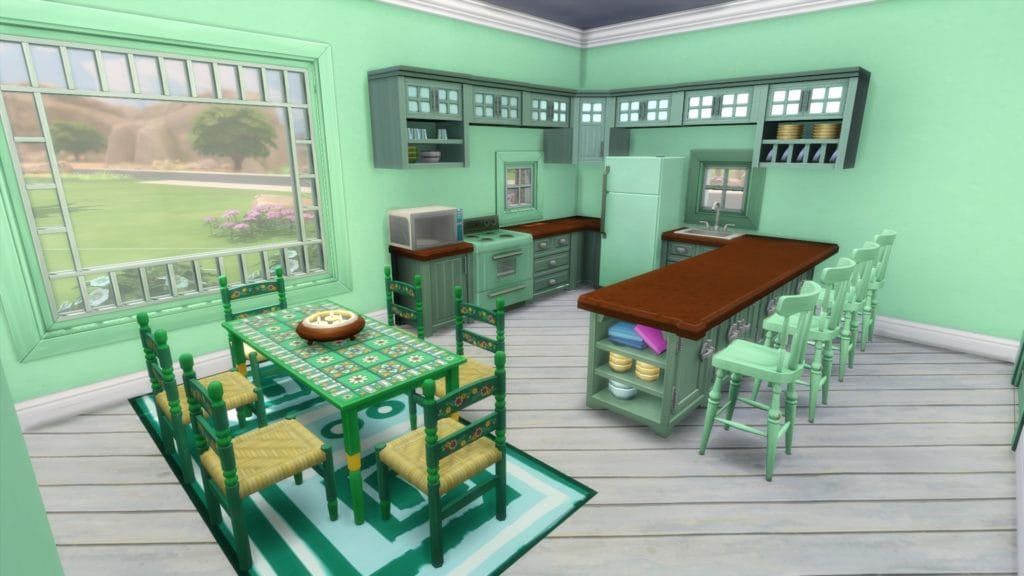
Dress them in Mint-colored clothing as best you can.
Save the sim and move them into their lot.
Because mods are completely optional, set these up however you'd like, provided it isn't giving you an unfair advantage. Disadvantages are fine. *wink*
Coming Soon!!
Is your sim created?
Is your sim moved into their lot?
Is the world set up however you'd like it to be?
Then you're ready for the next step:
Use whatever funds you have left from your starter allotment to finish furnishing your lot
You are now officially ready to start the challenge!!
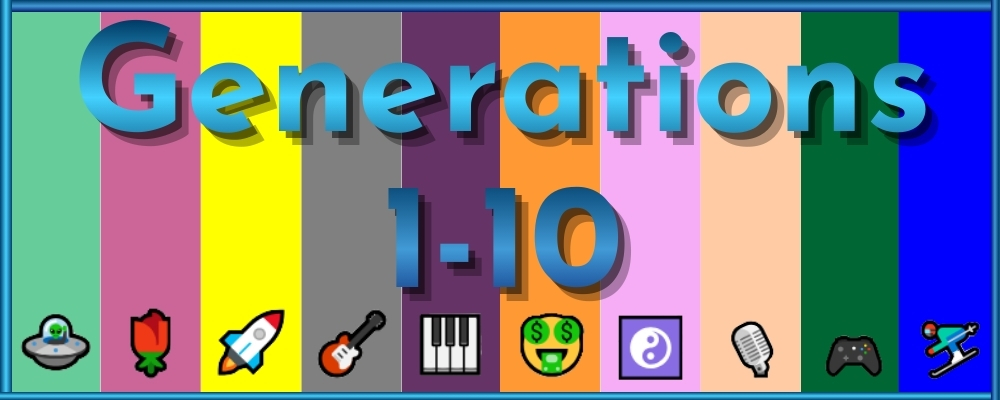
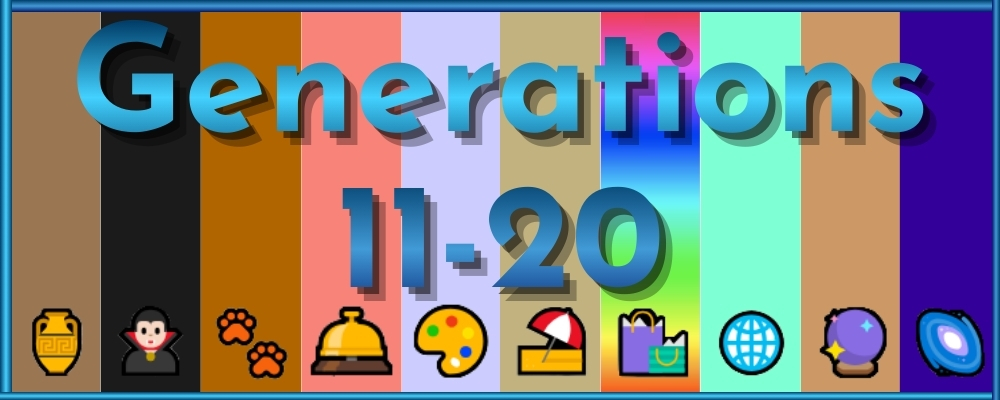
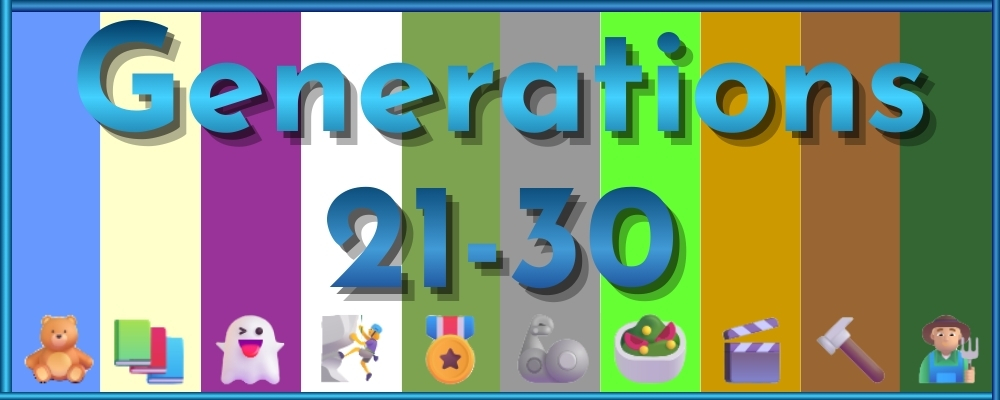
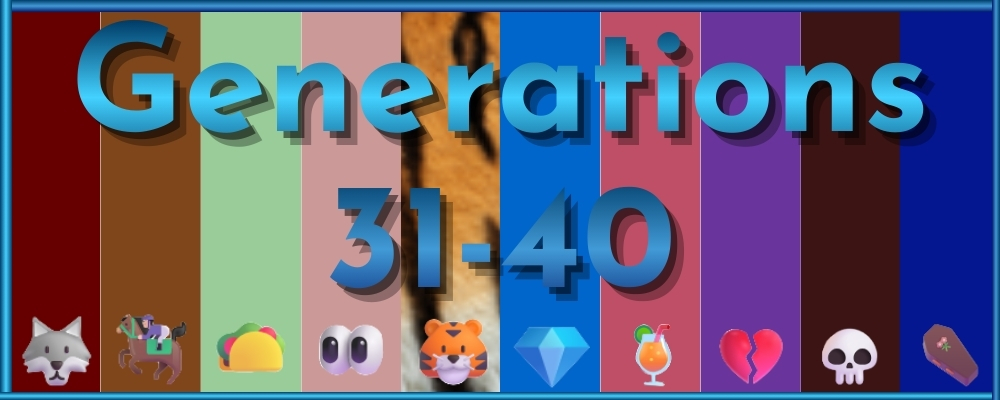
Are you ready to play? Well, here’s the generation links!
ImprovementProgress bar added at the top of the page so there’s a visual indication of how much I have left.
NewLinks added for ALL generations to the tracker – which is now active!
FixedSome typos, the headers for all generations.
8/20/25Pre-2.0 Changes 6
1.7
NewGen 13 through 15 are now up on the 11-20 page!
FixedSome typos and forgotten words. Clarified a couple things. Nothing big.
8/18/25Pre-2.0 Changes 5
1.6
ImprovementAdded icons to all the tabs for existing areas, fixed some typos.
NewGen 11 & 12 are up on the 11-20 page!
8/16/25Pre-2.0 Changes 4
1.5
ImprovementMain page is fully updated and now includes some other info and set up details for ease of play.
8/6/25Pre-2.0 Changes 3
1.4
UpdatedGenerations 6-10 are now fully upgraded to the 2.0 rules! Enjoy!
8/5/25Pre-2.0 Changes 2
1.3
UpdatedGenerations 1-5 are now fully upgraded to the 2.0 rules! Enjoy!
8/4/25Pre-2.0 Changes 1
1.2
ImprovementAdded the accordion tabs above to keep the page shorter, and easier to understand. (Hopefully)
TweakedRemoved the Fossil & Sugar Skull Challenge-Wide Goals. These are now going to be assigned to specific generations.
NewAdded some clarifying rules. May be adding more in the future.
UpdatedUpdated the entire main page (the page you’re looking at) with new descriptions and information. Expect more changes to come!
8/22/23Horse Ranch
1.1.2
NewAdded Chestnut Generation (Gen 32)
FixedChanged a trait in Gen 28 that was impossible to get as a child and updated the info about the teen fisherman career for Gens 27-28. Thanks Emily!
TweakedRemoved the “testing phase” note. I think we’re past that by now.
ImprovementAdded note about new child aspirations.
1/8/23Werewolves & High School Years
1.1.1
NewAdded Werewolf Generation (Gen 31)
UpdatedAdded note about High School Years
10/30/22Quick fix
1.1
FixedCoral Gen had conflicting traits. It is now fixed.
I am a 47 year old American wife, mother, and gamer. I’ve lived in the Midwest most of my life, and enjoy it for the changing seasons. My favorite movie is Labyrinth, my favorite game is Sims 4, and I have tattoos related to both. My favorite colors are purple, red, and green. When I’m not playing games (which is rare) I also enjoy reading and crafting. I’m also an animal lover, and have had many types of pets over the years. Currently, I have a dog named Cassie who is a Jack Russel / Beagle mix and five young fancy rats (all of whom are rescues). I run this Sims 4 Blog where I post screenshots and stories about the different challenges I play. Also here are the Sims 4 challenges I've written, and a place for me to store all the Sims 4 knowledge I've gotten over the years. I am also a Sims 4/variety streamer on Twitch for my mental health, fun, and to meet new people. I am also in the EA Creator Network and an Ubisoft Partner, which is a dream come true! I look forward to meeting you!
To provide the best experiences, we use technologies like cookies to store and/or access device information. Consenting to these technologies will allow us to process data such as browsing behavior or unique IDs on this site. Not consenting or withdrawing consent, may adversely affect certain features and functions.
Functional
Always active
The technical storage or access is strictly necessary for the legitimate purpose of enabling the use of a specific service explicitly requested by the subscriber or user, or for the sole purpose of carrying out the transmission of a communication over an electronic communications network.
Preferences
The technical storage or access is necessary for the legitimate purpose of storing preferences that are not requested by the subscriber or user.
Statistics
The technical storage or access that is used exclusively for statistical purposes.The technical storage or access that is used exclusively for anonymous statistical purposes. Without a subpoena, voluntary compliance on the part of your Internet Service Provider, or additional records from a third party, information stored or retrieved for this purpose alone cannot usually be used to identify you.
Marketing
The technical storage or access is required to create user profiles to send advertising, or to track the user on a website or across several websites for similar marketing purposes.



 BIG ANNOUNCEMENT!!
 Chapter One – Starting Anew
 November 2025 Dev Diary
 Welcome to my new webhost!!
 Progress Report on Not So Berry & Timeline
 OMG A Thrall Post?? What?
 Jaynie’s Gems: By-The-Number